Control Center
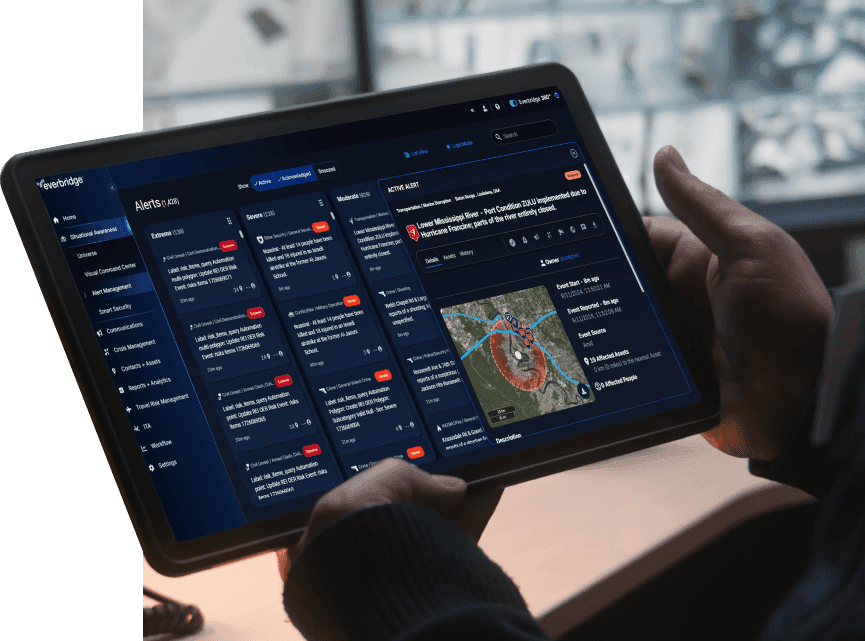
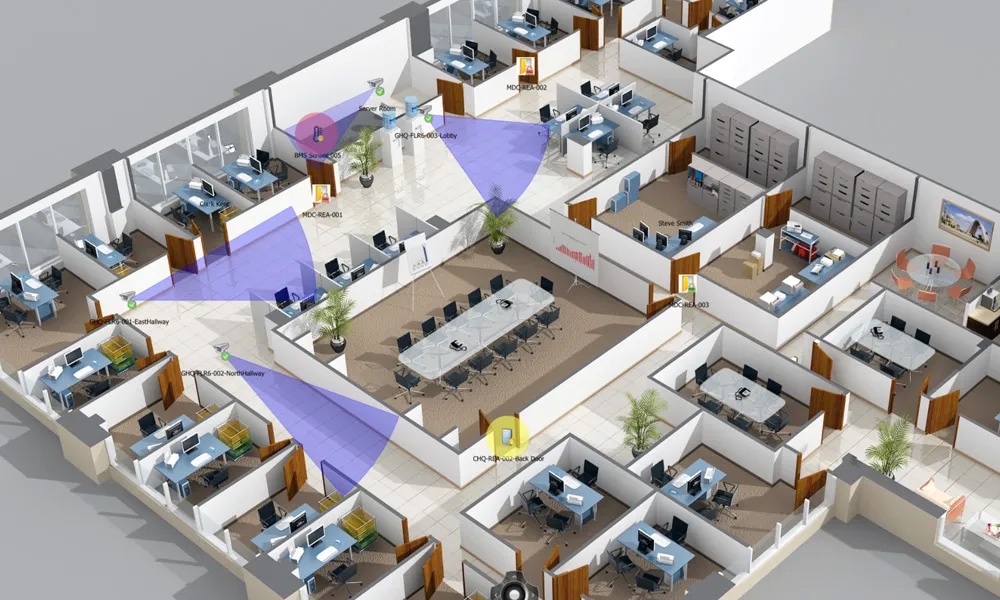
Correlate events from disparate safety and security systems into a common operating picture to ensure full control and complete situational awareness.
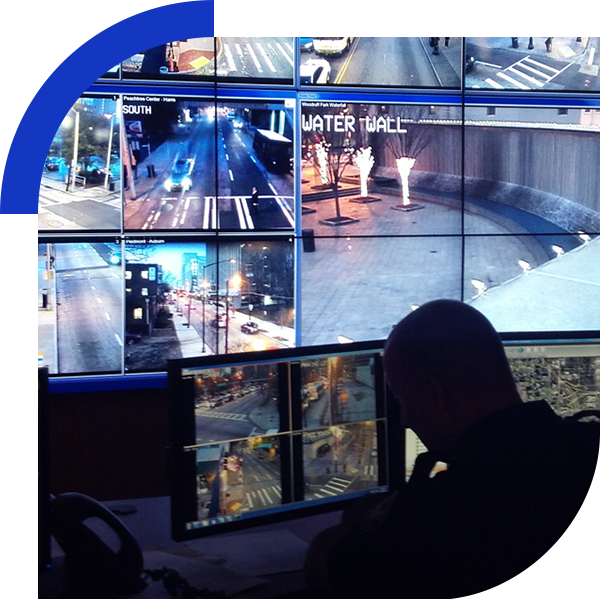
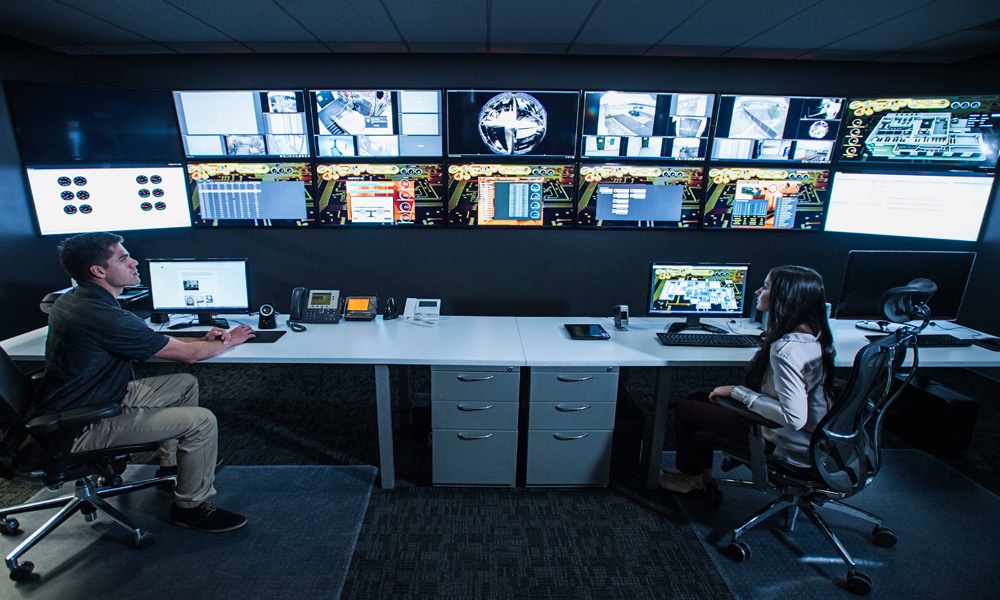
Centralize CCTV, access control, alarms, and sensors in one control center
For many organizations, physical security management can be a daunting task. Threats are on the rise and risks are becoming increasingly diverse. Operations also continue to grow, involving more systems, more data, and many more users.
All of this can be difficult to manage and costly to control. Making sense of all your information is hard enough during normal operations. When a critical event unfolds and information floods your organization, it can be overwhelming. You need an effective security management system to get the right information to the right people at the right time to protect your people and facilities and ensure operational continuity.
Everbridge Control Center is a physical security management platform that brings CCTV, access control, alarms, sensors, and communications into one common operating picture. It helps teams detect incidents faster, follow SOPs consistently, and keep operations running.

Real-time situational awareness
Maintain operational control of your assets through a single common operating picture, not as isolated systems and data.
The control center platform, enhanced by the web client, provides a center to work independently through a federated architecture for global deployments.
With the web client, you gain unparalleled convenience and flexibility, accessing real-time data, and controlling assets from any location, on any device.
Reduce risk
Automate decision-making and compliance procedures to ensure that the appropriate process is followed for any given situation.
Have confidence that a consistent response is used in accordance with your control room’s standard operating procedures (SOPs).

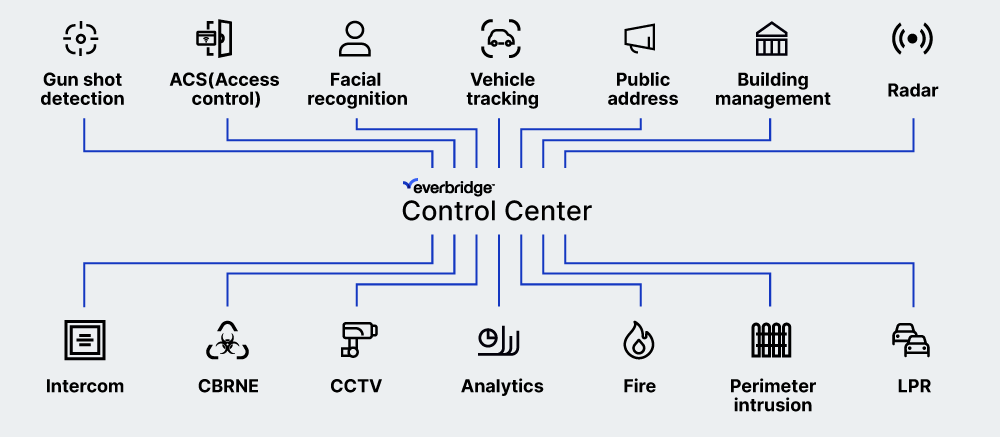
Integrating systems, devices, and sensors
Control Center integrates a variety of safety and security technologies to provide a holistic common operating picture:
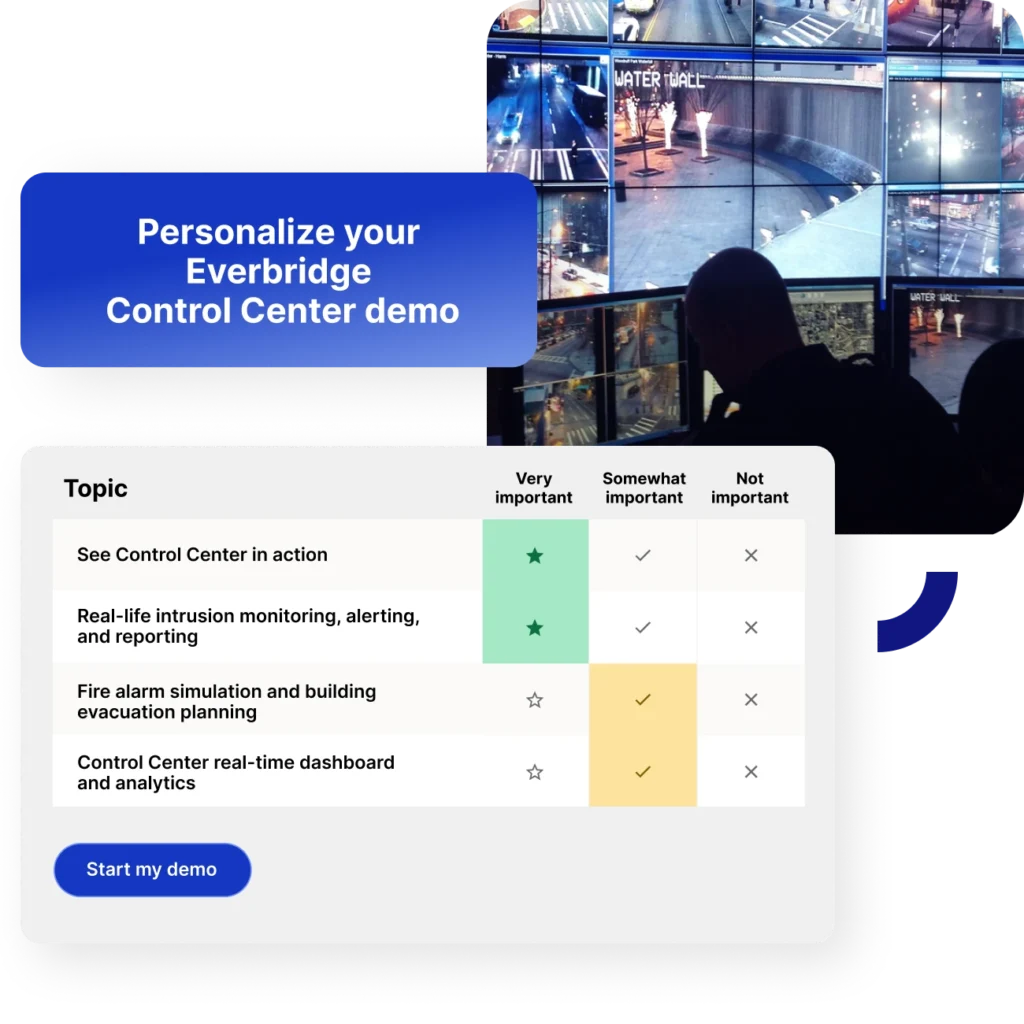
A smarter way to strengthen safety and security
Discover the Everbridge Control Center platform. Learn how to integrate your security systems and enhance incident responses to strengthen organizational resilience with real-time insights, automated workflows, and dynamic dashboards for informed decision-making.
Experience the impact firsthand with an automated, personalized video demo tailored to your organization’s unique needs.
Accelerate response times
Improve efficiencies, effectiveness, and visibility through automating performance reporting and real-time dashboards that are configured to your organizational requirements.


Avoid vendor lock-in with 250+ integrations and open APIs
An open security integration platform and existing library of 250+ drivers enables you to avoid big-bang expenses by taking a more evolutionary approach to new technology spend.
Reduce alert noise with automated event correlation
Focus attention and ensure compliance with an orchestration engine that correlates events, maintains security, and ensures auditability.


Keep stakeholders informed
Improve efficiency by notifying all stakeholders. Reduce noise & focus people’s attention on what matters.
Trusted by over 6,500 customers worldwide





Related resources

The top 10 questions to ask when choosing physical security management software
This guide gives you the 10 must-ask questions to cut through the noise and find a physical security platform that delivers. Download the guide now.
Brief guide to physical security
In an uncertain globalized world with a growing number of risks, organizations will be inspired by a security executive who emphasizes the importance of proactively safeguarding employees and the environment in which they live and work. Find out how security leaders around the globe are managing this complex task.

10 step guide to staying ahead of emerging security threats
Staying ahead of security threats is paramount for top executives, and each year, those threats become increasingly complex. This guide gathers useful insights from top companies that have deployed some of the largest and most sophisticated security systems around the world.
PSIM software buyer’s guide: 15 questions to ask vendors
PSIM has emerged as a popular choice for organizations seeking a holistic and integrated approach to security management. Choosing the right PSIM vendor is therefore not just about purchasing software, but investing in a system that can evolve with your security needs.

Is PSIM right for your organization? A quick assessment guide
This guide provides a series of questions that assess your current security infrastructure and integration challenges. By completing this questionnaire, you can gauge whether a PSIM system could enhance your security operations and overall management efficiency.


Control Center FAQs
Everbridge Control Center extends beyond traditional physical security information management (PSIM) by combining situational awareness, incident orchestration, operational intelligence, and critical event management within a unified platform. While traditional PSIM tools focus primarily on physical security monitoring, Control Center helps organizations coordinate response workflows, automate operations, and improve enterprise-wide resilience.
Control Center supports integrations across CCTV, access control systems, alarm systems, IoT-connected devices, video management systems (VMS), building management systems (BMS), fire and life safety systems, GIS technologies, and mass notification platforms. These integrations help organizations centralize operational visibility and coordinate response activities across physical and digital environments.
Control Center helps reduce response times by automating workflows, correlating operational data, prioritizing incidents, and centralizing situational awareness within a single operational interface. Automated escalation workflows and integrated operational visibility help reduce manual tasks, minimize alert fatigue, and improve decision-making efficiency for security and operations teams.
Yes. Control Center is designed to support global security operations centers (GSOCs), distributed facilities, and multi-site operational environments through centralized visibility, federated operational coordination, web-based access, and mobile capabilities. These features help organizations maintain situational awareness and coordinate incident response across geographically distributed operations.
Implementation timelines vary based on operational complexity, integrations, deployment scope, and infrastructure requirements, but many organizations begin with phased deployments focused on core operational visibility and incident coordination capabilities. Deployment options may include cloud, on-premises, or hybrid architectures depending on organizational, regulatory, and operational requirements.
Control Center supports open integrations across a wide range of operational technologies, security systems, enterprise applications, and third-party platforms. This flexible integration approach helps organizations extend the value of existing infrastructure investments while improving interoperability, operational visibility, and coordinated response capabilities across evolving technology environments.
Organizations commonly measure improvements in incident response speed, operational coordination, alarm reduction, escalation efficiency, and audit readiness after implementing Control Center. Many organizations also track reductions in manual processes, faster operational recovery, improved situational awareness, and stronger resilience outcomes across physical security and operational risk management workflows.
Control Center supports enterprise-grade security capabilities including role-based access controls, audit logging, operational reporting, and centralized visibility into incident activities and workflows. These capabilities help organizations strengthen governance, improve operational accountability, support compliance initiatives, and maintain audit-ready documentation across security and operational environments.
The personalized Control Center demo includes operational workflows, integration scenarios, situational-awareness dashboards, incident-coordination capabilities, and use cases tailored to your organizational priorities and environments. Organizations often get the most value by preparing information about current systems, operational challenges, deployment goals, facility environments, and response workflows they want to improve.